How to open HEIC photos online on Windows, Android, or any browser
Open iPhone HEIC photos from any device in Seedr’s cloud viewer — no conversion, no codecs, no extra apps — and keep them organized alongside your other files.
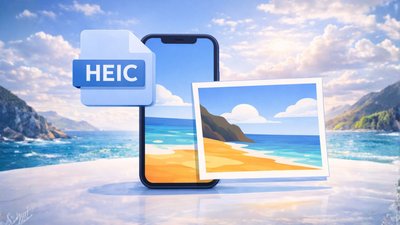
Open iPhone HEIC photos from any device in Seedr’s cloud viewer — no conversion, no codecs, no extra apps — and keep them organized alongside your other files.
Learn how to easily connect your Seedr account to the Infuse app using WebDAV or FTP. View 4K media directly to your Apple TV or iOS device without saving.

Learn how to use Seedr V2’s Link button to add media links, scan webpages, upload files from your device, and share to Seedr via PWA or browser extensions.
Take your cloud media anywhere. Save videos for offline viewing on any phone or laptop with Seedr V2 — no reliable internet needed.

Mount Seedr once, then view and manage files like local storage. FTP/SFTP for Pro+ and new Basic, WebDAV for Master/Gold — quick setup steps inside.

This tutorial explains how to use Seedr on Roku, covering setup, basic navigation, and common usage patterns. It walks through the steps needed to access your content on a Roku device and clarifies how the Seedr interface behaves on TV.
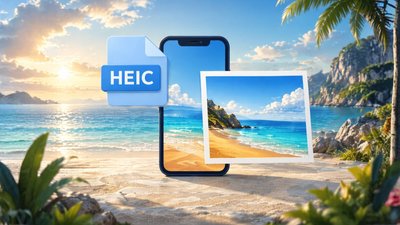
View and organize your images directly in Seedr’s cloud viewer — including HEIC from iPhone — without installing software or saving files to your device.
Connect Seedr to Jellyfin in minutes: this step-by-step guide shows you how to mount your Seedr cloud with RaiDrive via WebDAV, index it in Jellyfin, and start viewing your 4K library securely on any device.
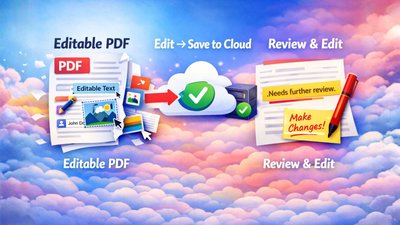
Convert any Word or DOCX document to a perfect PDF in one step with Seedr, directly in your cloud — no Microsoft Office, no extra apps, and your formatting stays exactly as you designed it.
Subscribe for our blog latest updates, promotions and more.