We’ve Increased Storage Across Plans
We’ve increased storage across Seedr plans — up to 5x more space, more flexibility, and fewer limits.
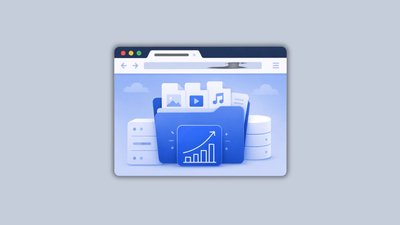
We’ve increased storage across Seedr plans — up to 5x more space, more flexibility, and fewer limits.
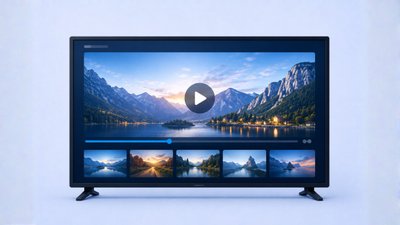
Seedr’s Google TV app launches next week. Try the beta early, stream your videos on TV without casting, and watch in up to Full HD and 4K with Premium.
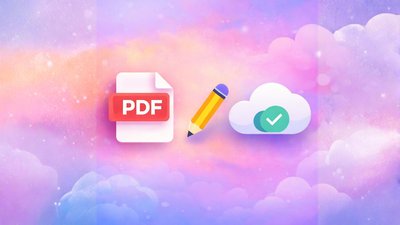
Combine multiple PDFs into one clean document in seconds. This piece explains when that actually matters (visa forms, job applications, client proposals, monthly admin), how to do it in Seedr with a simple upload–select–reorder–merge flow, and why it’s different from typical online tools that add watermarks, size limits, or signup walls. Instead of dumping a merged file onto your device, Seedr keeps it in your cloud—private, accessible from anywhere, and sitting alongside your other documents, media, and archives so you are not juggling five separate apps.

Backend performance updates — faster video playback, lower bandwidth use, and more predictable server-side fetches.
Benchmark and choose the route from Seedr to your device for smoother, more predictable saves. Run Check fastest in V2, then lock in a server — no auto-switching, full control.
Share to Seedr is here: install the Seedr web app (PWA), then add links without copy-paste. If you’re asking how to open media links, long-press on iOS/Android or click on desktop—your cloud save starts.

Seedr V2 now makes it easy to chromecast phone to tv (incl. Google TV) and view via Apple AirPlay: rebuilt engine, playlist & subtitle picker, audio casting, remote, quick reconnects, up to 4K.
Offline video on Android & iPhone—coming soon in Seedr V2. Mark files offline and play with no signal. Subtitles/audio/speed work if set up beforehand.
A brand-new Seedr V2 Kodi add-on is coming soon — built for smoother viewing, easier setup, and a better fit with Seedr V2. Keep watching your shows with the current add-on, FTP, or WebDAV, and join the V2 waitlist + upgrade to Premium to be first in line for the new release.
Subscribe for our blog latest updates, promotions and more.