Plex for Beginners: Install, Libraries, and Seedr

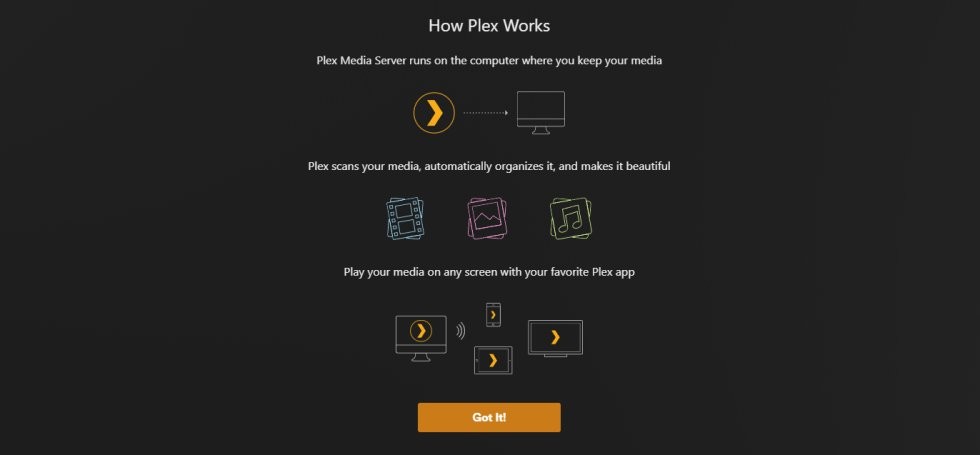
Plex is a media server. You install it on a computer, point it at folders full of movies or TV, and it fetches posters and metadata so you can watch on any device — phone, TV, laptop, console — with your own library. This guide walks a complete beginner through install, library setup, and connecting a Seedr account so your files can live in the cloud instead of on a noisy home drive.
What this gets you
- A working Plex server on your PC or NAS.
- A first library (Movies or TV), scanned and organized with posters.
- An optional Seedr mount added as a second library, so files added to Seedr from anywhere show up in Plex automatically.
What you need
- A free Plex account.
- A computer that will run Plex Media Server: Windows, macOS, Linux, or a supported NAS.
- Some media files to add, with sensible filenames.
- Optional: a Seedr plan to use cloud storage as a library source. Master for WebDAV, Pro / Basic for FTP.
Setup, step by step
1. Create a Plex account
Go to plex.tv → Sign Up. Use email, Google, Facebook, or Apple ID. Any works.
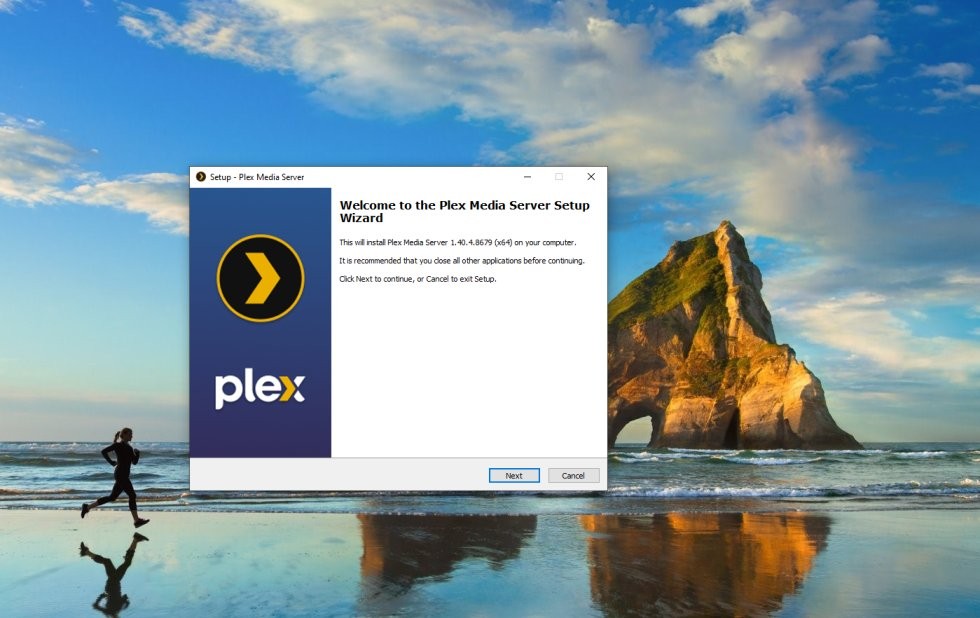
2. Install Plex Media Server
Download the installer from plex.tv/media-server-downloads for your OS:
- Windows: .exe installer, or install Plex from the Microsoft Store.
- macOS: .dmg installer, or the Mac App Store.
- Linux: .deb for Debian/Ubuntu, .rpm for Fedora/CentOS. Install via sudo apt install ./plexmediaserver_...deb or sudo dnf install plexmediaserver.rpm.
- NAS: Synology, QNAP, Asustor have Plex packages in their app stores.
Run the installer. When it finishes, your browser opens http://localhost:32400/web — that is the Plex web UI.
3. Name your server and add the first library
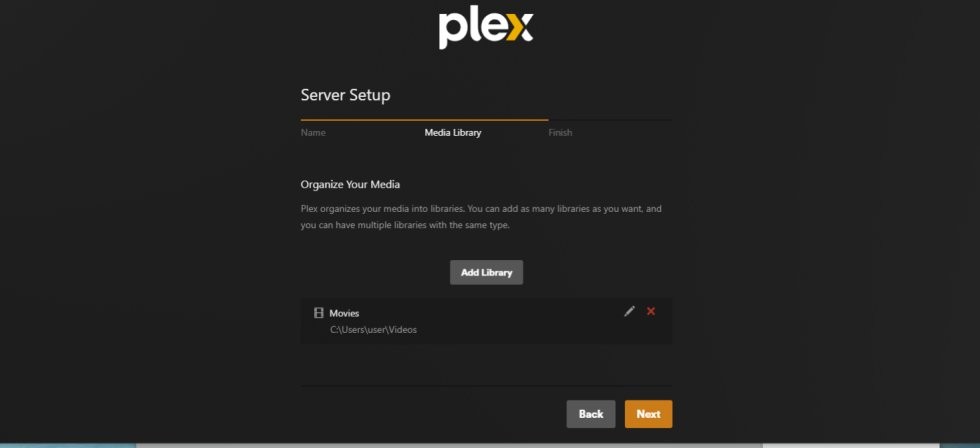
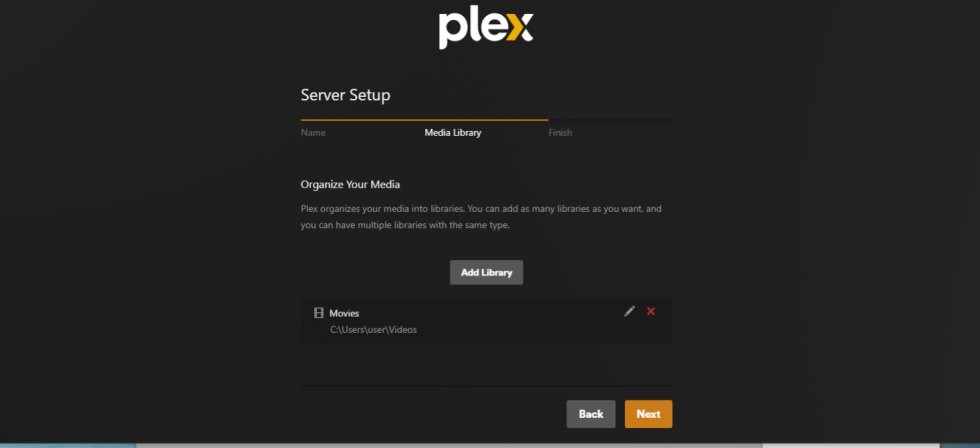
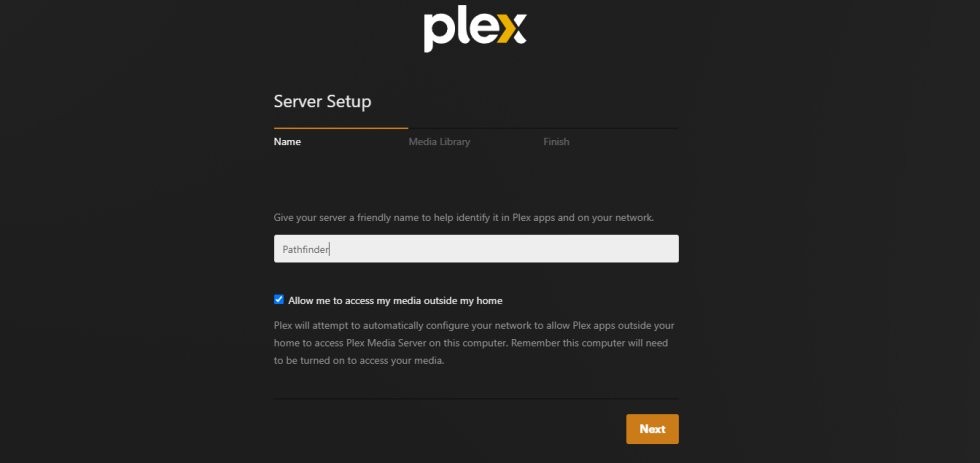
- In the first-run wizard, give your server a name (any string). Tick Allow access outside your home if you want to watch away from your network.
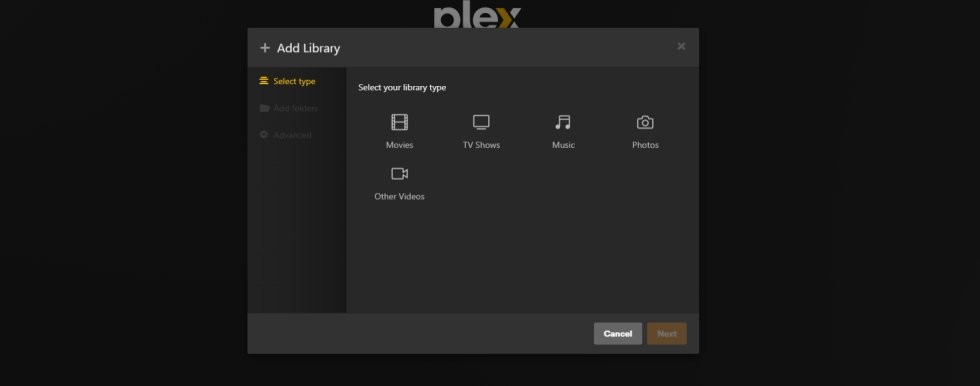
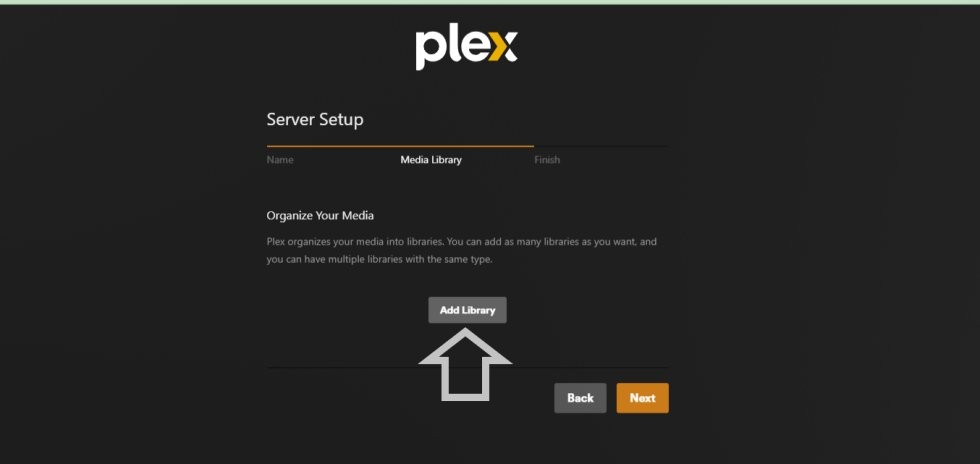
- Click Add Library.
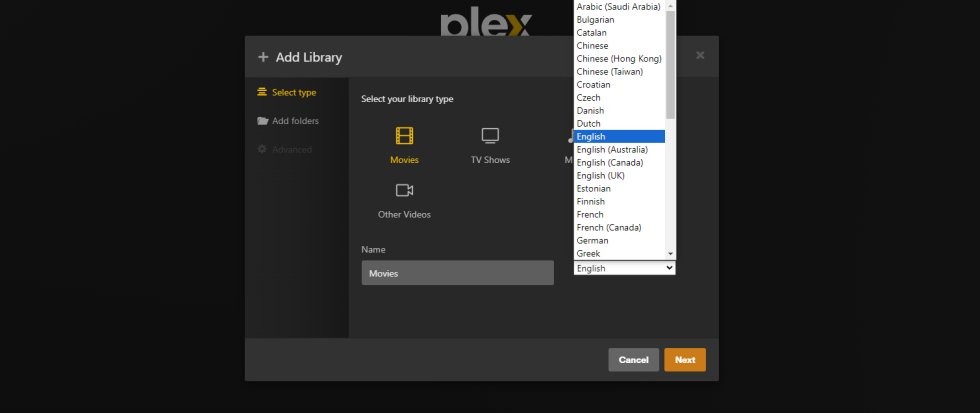
- Pick Movies or TV Shows.
- Set the library language.
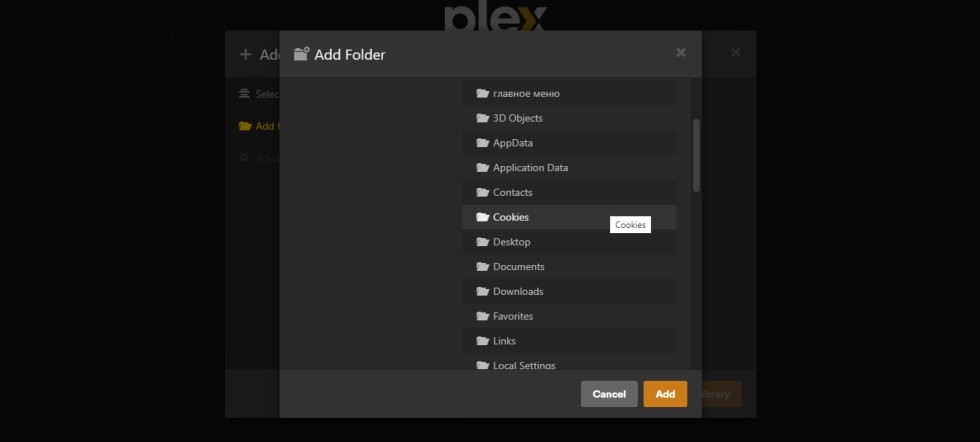
- Browse for Media Folder and point Plex at your existing files, e.g. D:\Movies.
- Add Library. Plex scans, matches, fetches posters.
4. Name files so Plex can match them
Plex matches on filename. Use these patterns:
- Movies: Movies/Title (Year)/Title (Year).mkv
- TV: TV/Show Name/Season 01/Show Name S01E01.mkv
Rename bad filenames before adding, not after. Fixing unmatched items one by one is tedious.
5. Add a cloud library (Seedr over WebDAV)
This is where Seedr fits. Plex reads folders. Seedr gives you a folder backed by cloud storage.
- On the same machine running Plex, mount Seedr as a drive. See the mount guide. The short version: install RaiDrive on Windows, add a WebDAV drive to https://dav.seedr.cc, sign in with your Seedr email and password, assign drive letter Z:.
- In Plex web UI → + next to Libraries → pick Movies (or TV).
- Add Folders → browse to Z:\Movies (or wherever your Seedr mount sits).
- Add Library. Plex scans Seedr just like a local drive.
For the full, detailed WebDAV + Plex walkthrough, the canonical guide is Connect Seedr and Plex with WebDAV. If you are on Pro / Basic (no WebDAV), follow Plex via FTP instead.
6. Install a Plex client and watch
- Phone / tablet: install the Plex app from the App Store or Play Store, sign in with your Plex account.
- Smart TV, Apple TV, Roku, Fire TV, consoles: search "Plex" in the device's app store.
- Browser on another PC: app.plex.tv, sign in.
Your server and library appear automatically.
Troubleshooting
- "No libraries available" on a client — make sure the client is signed into the same Plex account as the server. Remote access is off by default if you unticked it during setup.
- Movie marked "Unmatched" — filename does not follow the Title (Year) pattern. Rename, then right-click → Fix Match.
- Plex cannot see my Seedr drive — on Windows, Plex runs as a service and does not see network drives mapped in a user session. Run Plex as your user, or mount with RaiDrive in system-service mode.
- Video buffers on TV but plays fine on laptop — the TV's Plex client asks Plex to transcode. Drop client quality to Original for direct play, or give the Plex server a GPU that supports hardware transcoding (Plex Pass required for HW transcode).
- New Seedr uploads don't show in Plex — Plex scans on a schedule, not instantly. Turn on Settings → Library → Scan my library automatically, or hit Scan Library Files manually.
What works well, and known limits
Works well: direct-play of H.264 MP4/MKV to phones, laptops, Apple TV, Roku, Fire TV. Metadata matching and posters. Multi-user profiles.
Limits: Plex Pass is paid. Hardware transcoding and offline sync need it. Transcoding runs on your Plex server's CPU/GPU — weak hardware means buffering. If you cancel Seedr, Plex keeps the metadata but can't read the files.
Wrap
Install Plex, point it at a folder of nicely-named files, watch anywhere. Add a Seedr mount as a second library to skip the local-drive problem entirely.
Was this article helpful?
Related Articles

Connect Seedr and Plex with WebDAV (Full Guide)
Connect Seedr to Plex using WebDAV. View your cloud saves directly through Plex without local storage.

Use the Seedr Roku plugin — install and setup
This tutorial explains how to use Seedr on Roku, covering setup, basic navigation, and common usage patterns. It walks through the steps needed to access your content on a Roku device and clarifies how the Seedr interface behaves on TV.
Connect Seedr to Plex via FTP (Pro plan guide)
Set up Seedr with Plex via FTP connection. Access your cloud files in Plex for seamless media viewing.